
BY DISTINCTIVE SOFTWARE, THE DEVELOPERS OF TEST DRIVE™ & THE DUEL: TEST DRIVE II™

DRIVING
Choose your car. Build your track.
Take it for a drive.
KEYBOARD SHORTCUTS
- ↑ / ↓
- Accelerate / brake
- ← / →
- Steer left / right
- A / Z
- Shift up / down
- Space / Enter
- Alternate shift keys
- Esc
- Open game menu
- C
- Cycle camera views
- F1 – F4
- Choose camera
- T
- Follow opponent
- D
- Toggle dashboard
- Ctrl + F
- Toggle FPS
- Ctrl + V
- Cycle chase distance
- Ctrl + Arrows
- Move replay camera
- + / −
- Zoom replay camera
- Arrow keys
- Choose replay control
- Enter / Space
- Activate replay control
- Shift + F1
- Open terrain editor
GAME SETUP
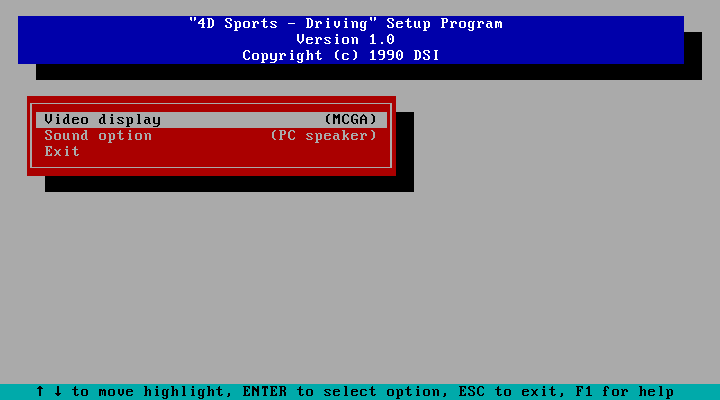
Saving changed settings restarts the game automatically.
PLAY STUNTS IN YOUR BROWSER
Preparing Roland power controls…
Stunts was created by Distinctive Software, the team behind Test Drive and The Duel: Test Drive II, and published by Brøderbund in 1990. Brad Gour, Kevin Pickell, Don Mattrick and Rob Martyn designed the game. Pickell was its lead programmer, with additional programming by Rick Friesen and Gour; Martyn produced it.
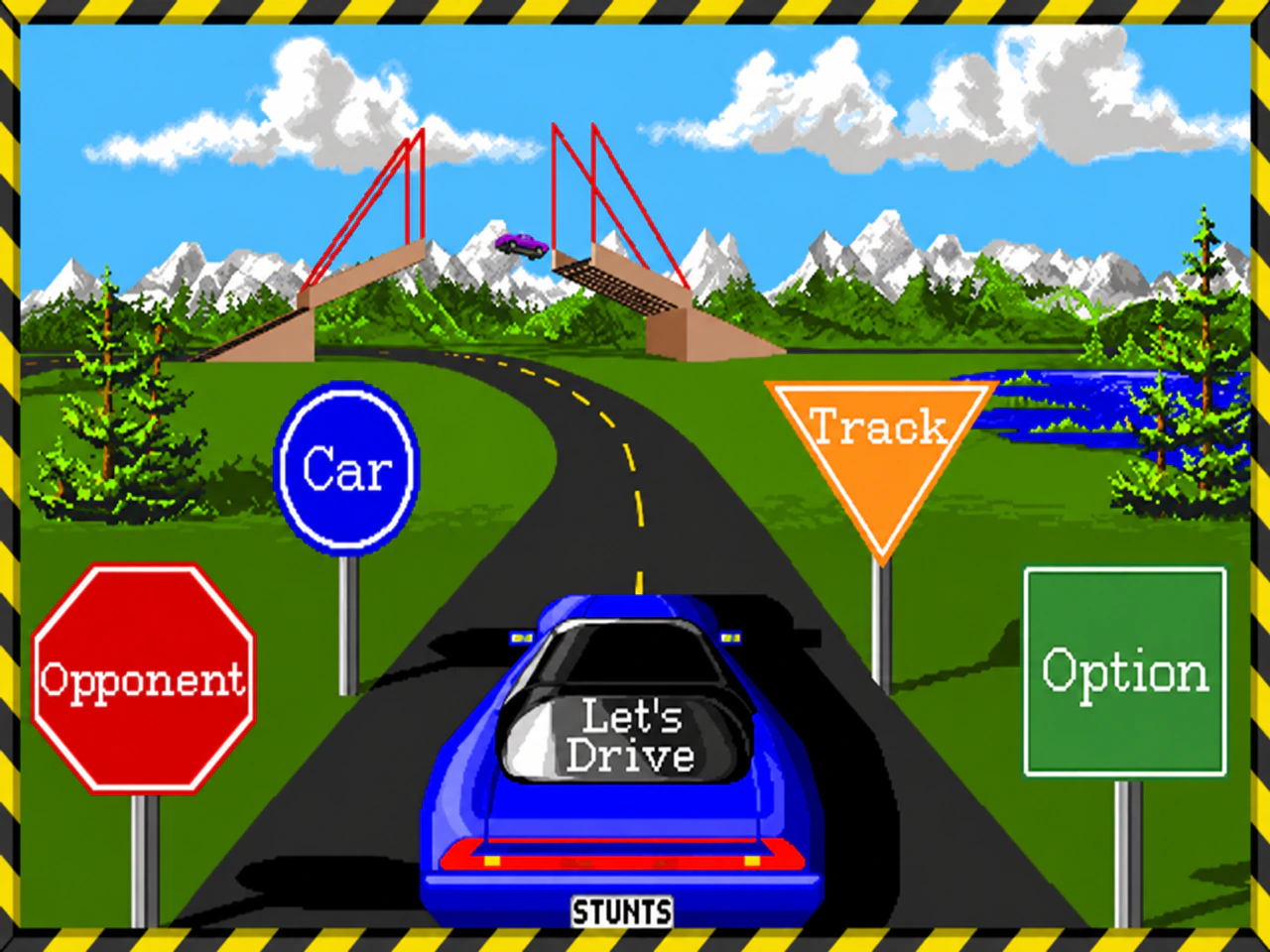
The idea was to put you in charge of both the car and the course. Choose from eleven cars, race against the clock or a computer opponent, then watch your run in replay. The built-in track editor lets you create your own courses with jumps, loops and other stunt pieces.
Its look came from Mike Smith, David Adams, Nicola Swain and Kevin Pickell, with sound by Kris Hatlelid and Michael Sokyrka.
Community tracks
Explore tracks shared by other players. Personal imports stay private; Share track publishes the selected file for everyone.
Different layouts can share a name. Match the Track ID to find the right leaderboard. Adding a track may assign a safe filename; it does not submit a score.
IMPORTANT: When playing in updated graphics mode, please make sure to enable hardware acceleration first for best performance.
Public beta · Unofficial Stunts browser reconstruction. Not an official release from the original developers or Roland.
Best played on a computer with a keyboard. Report a bug — please include your browser, sound/display settings, and steps to reproduce it.
Tracks, replays and save backups
Private — only in this browser
Files imported here are for your own game. They are not shared with other players or synced between devices. Clearing browser data can erase them; download a backup to keep a copy.
Upload an original .TRK track (1,802 bytes) or .RPL replay, then load it from the game’s track or replay menu. Files stay in this browser.
Want everyone to play your track? Open Community tracks and choose Share track (.TRK).
Website high scores are separate from your private in-game table. Completed runs are checked against their recorded inputs; using “Continue driving” from a replay makes a run ineligible. Consented offline submissions wait in this browser until they can be uploaded.